Steer live tasks, a new task composer, and team-shared project secrets
Guide Neo while a run is still in progress, start every task from a searchable task composer — type / to jump into settings and presets — and share secrets with everyone on a project without copying their values.
Steer a running task
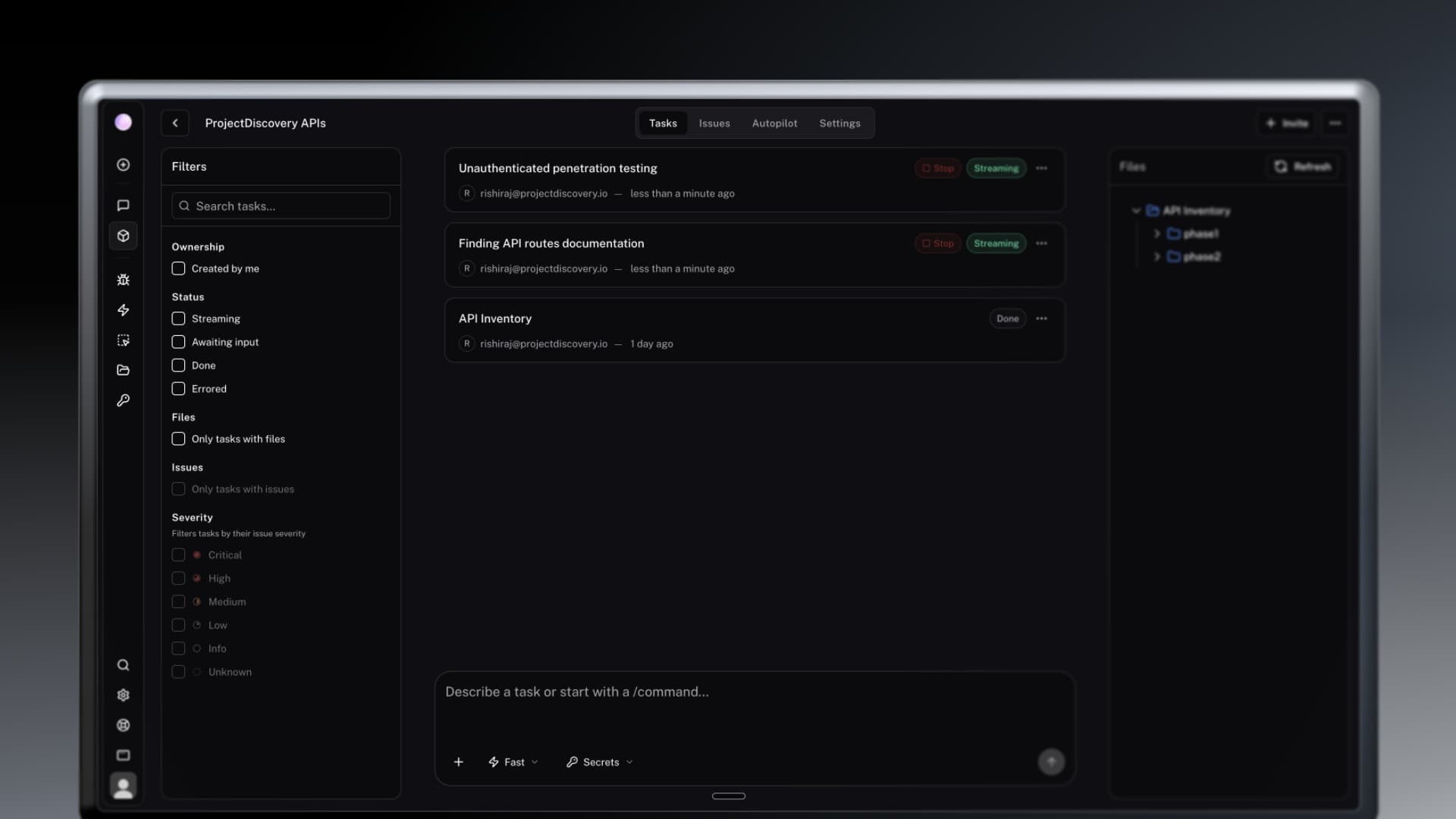
NewYou no longer have to stop a run to change course. Type into the prompt bar while Neo is working and the instruction is injected at the next step — the current tool call keeps going, and no new task is started. The steer appears in the thread as soon as it is accepted, so you can see what you sent and what Neo did with it.
- Send follow-ups, extra scope, or a course correction without aborting the run.
- Steer a queued message immediately after the current step instead of waiting for the queue.
Redesigned prompt composer
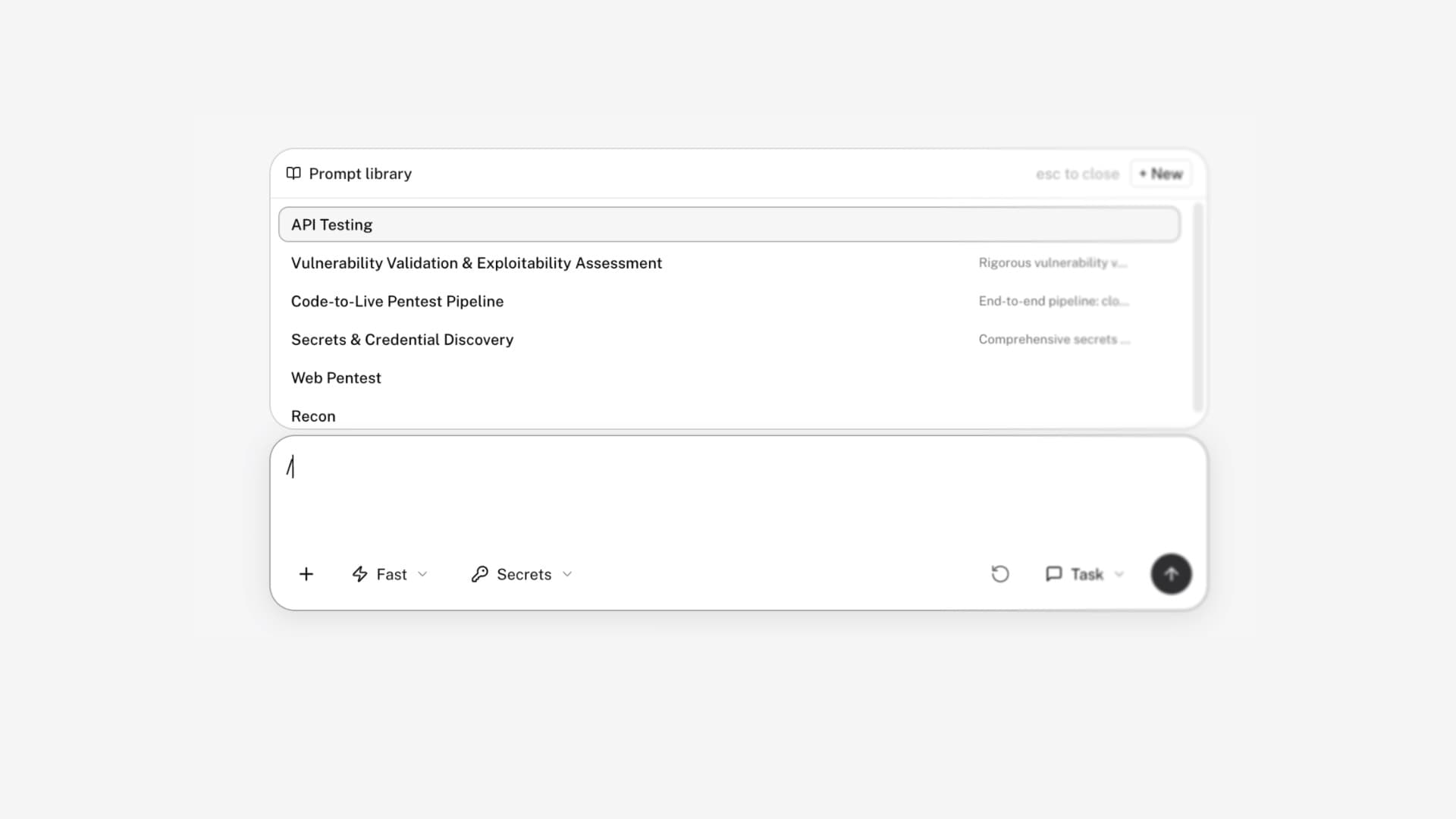
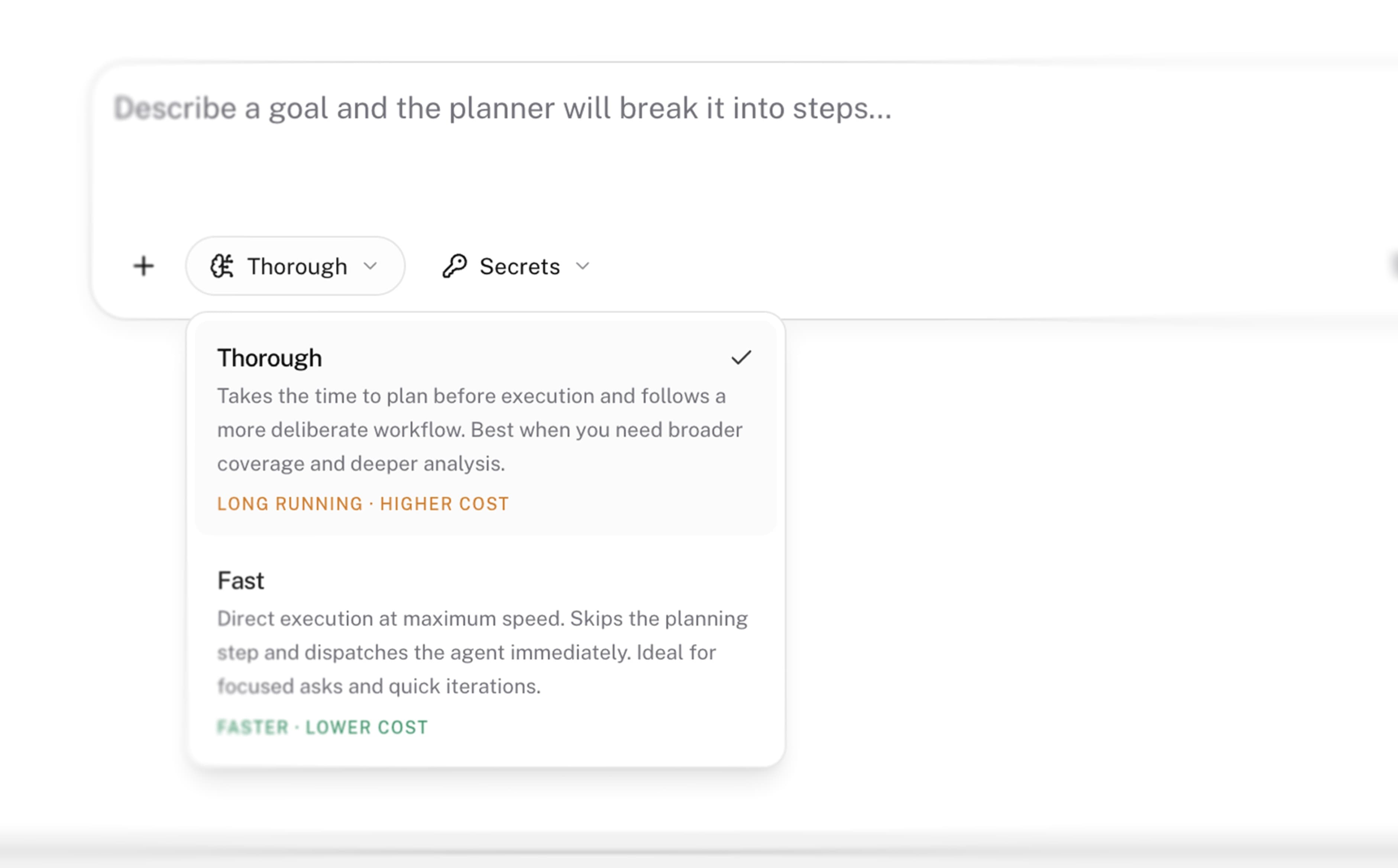
ImprovementThe prompt bar is now the control surface for a task. Type / to open a searchable settings menu and jump straight to mode, model, agent, sandbox, browser session, secrets, or schedule — without leaving the composer. Save the combination you use as a named preset, drop files onto the composer, and switch into chat mode when you want a conversation instead of a full run.
- Type / in the prompt bar to open and filter composer settings in place.
- Saved presets for create, edit, select, reset, and delete — reuse a full composer setup in one click.
- Searchable settings for modes, models, agents, sandboxes, browser sessions, secrets, and schedules.
- Drag-and-drop file attachments, condensed chips, and live browser-session status.
Team-shared project secrets
NewShare credentials with the whole project team without duplicating them. From the composer settings, bind one of your existing secrets to the project: every member can attach it to tasks, the value stays masked, and the owner is still visible. Unbind it anytime, and the share is revoked if you leave the team.
- Bind a personal secret to a project in one action — no copy, no second vault entry.
- Every project member can use it; they see the name and owner, not the value.
- Bindings are removed automatically when a member is offboarded.
Guided workflows
NewCode audits, penetration tests, and vulnerability triage now start from dedicated multi-step flows. Pick a GitHub App or personal token, search repositories and pull requests, set scope and authentication, attach files, and choose secrets before launch. Submitting opens the task directly.
Canvas on shared tasks
NewPublic share links now include Chat and Canvas tabs, so Insights — findings, tables, charts, and evidence — travel with the thread. Export to image, Markdown, JSON, or PDF without signing in.
New models
NewModel picker now includes Claude Opus 5 and DeepSeek V4 Flash. Use them on new tasks and update existing automations to the model that fits the job.
Slack, Gmail, and GitHub
ImprovementNative apps are tighter in the places you already work. Slack respects stop and “need a human,” finds attachments anywhere in a thread, and can take workspace or per-channel instructions. Gmail drafts edit in place instead of spawning duplicates. GitHub review lists real pull requests, in-flight reviews, regression coverage, and accurate severity — and Issues can be filtered by repository.
Fixes and stability
FixReliability and layout fixes across live tasks, Insights, Autopilot, GitHub, onboarding, and mobile.
- Crashed turns can resume from the last complete step instead of dropping the run.
- Scheduled Autopilot runs no longer clutter the default task list.
- Team-shared project and Slack tasks are visible to project members.
- Insights mermaid diagrams export to PDF, and issue rows link correctly.
- GitHub OAuth is required before install; org-member repo pages load; code-audit PR pickers list every pull request.
- Onboarding no longer bounces checkout back to the plan page.
- Mobile sidebars and layouts across projects, issues, workflows, tasks, and settings.